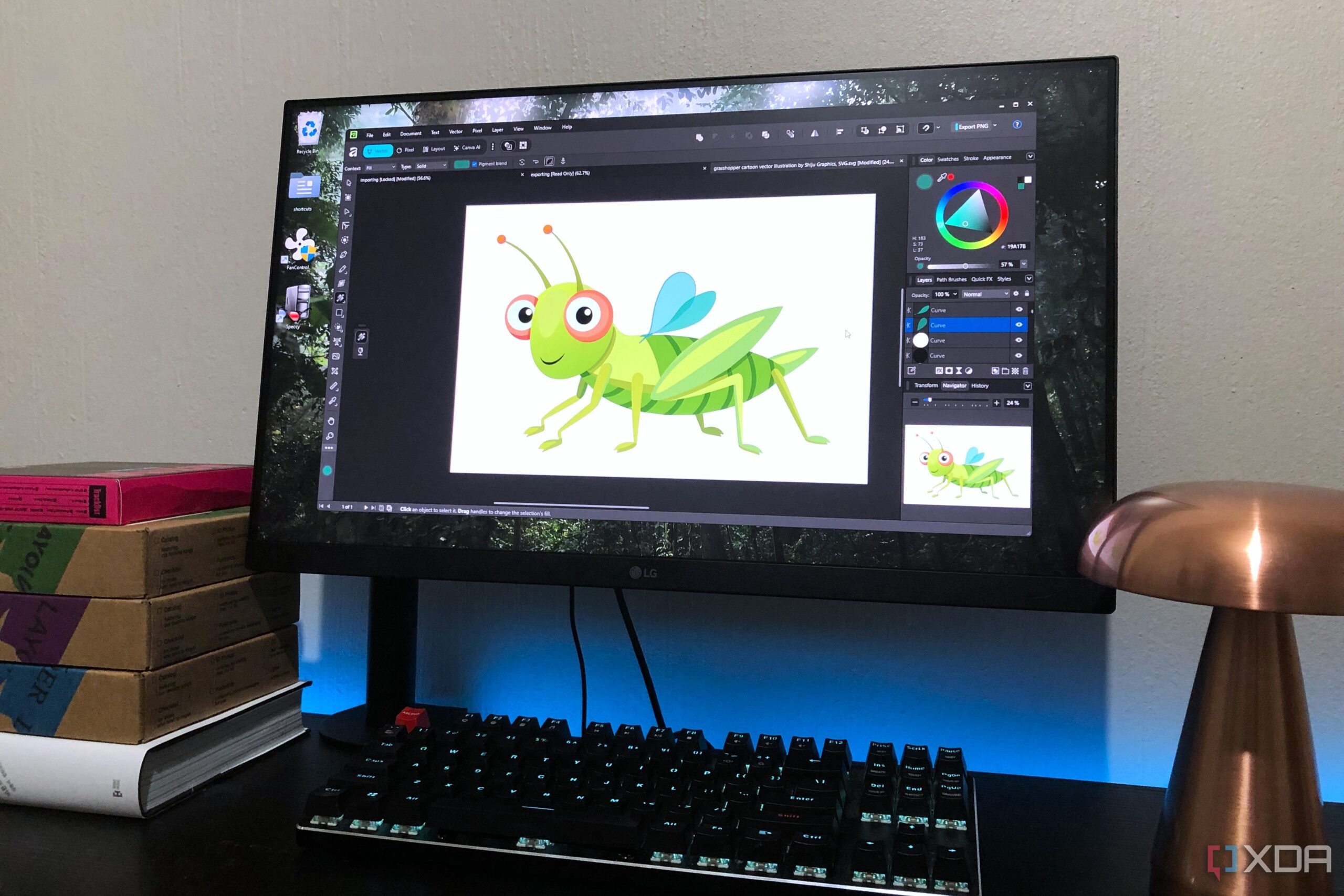
The recent decision by Affinity to offer its graphics suite for free is prompting users to reconsider their long-standing loyalty to GIMP. This shift provides a compelling alternative for those seeking powerful image-editing capabilities without the associated costs. The suite encompasses essential tools, such as Affinity Photo, Publisher, and Designer, and is now available under a subscription model that charges only for specific features, such as generative AI tools from Canva.
The transition to Affinity’s suite marks a significant improvement over GIMP, particularly in the realm of user experience. While GIMP has long been praised for its robust features and open-source nature, it remains hindered by user interface challenges. The addition of Affinity’s modern, cohesive design makes it easier for users to navigate and utilize powerful editing tools effectively.
Enhanced Editing Features and Non-Destructive Workflow
A key advantage of Affinity’s suite is its commitment to non-destructive editing. Although GIMP introduced some non-destructive capabilities with its 3.0 update, the feature is not fully integrated across the application. This limitation means that not all layers remain adjustable, which can hinder the creative process. In contrast, Affinity was designed with a non-destructive workflow as its foundation. Every effect can be applied as a live filter, allowing users to edit at any stage without permanently altering their work.
Affinity’s handling of adjustment layers has been noted as superior to that of Photoshop. Users can easily select layers and make modifications without the cumbersome process often required in GIMP. This streamlined experience makes Affinity an attractive choice for both amateur and professional graphic designers.
Streamlined Text and Selection Tools
Text editing is another area where Affinity excels compared to GIMP. Users frequently express frustration over GIMP’s awkward text features, which require multiple steps to access customization options. Affinity’s interface offers a dedicated, docked text tool panel, simplifying the process of adjusting font properties, alignment, and spacing. This clear organization allows for quicker edits, enhancing workflow efficiency.
In terms of selection tools, Affinity also stands out. While GIMP provides basic options like the Free Select tool, it lacks the advanced capabilities found in Affinity’s selection toolkit. The introduction of the Object Select feature in Affinity allows users to easily select subjects with high accuracy, refining selections with simple adjustments. This functionality increases efficiency and precision, making complex editing tasks more manageable.
Performance is a critical factor for many users. GIMP often suffers from lag, even on capable systems such as those with an i7 CPU and 16GB RAM. In contrast, Affinity operates smoothly, loading quickly and responding seamlessly to user commands. This reliability helps users focus on their creative projects rather than dealing with technical setbacks.
Affinity’s current offering, which eliminates the need for a paid license, positions it as a strong contender in the graphic editing market. The move encourages users to explore its capabilities without financial commitment, raising the bar for what free software can achieve. As more users transition from GIMP to Affinity, the latter’s modern interface and robust functionality may redefine expectations for graphic design tools.
In summary, Affinity’s decision to provide its graphics suite free of charge presents a significant challenge to GIMP. With enhanced editing features, a user-friendly interface, and superior performance, Affinity is poised to attract a growing number of creative professionals seeking effective and efficient graphic design solutions.